
Dimoria
Help

Help centre

Everything you need to get the most out of Dimoria: how it works, how to start and answers to the most common questions.

01What you get

What Dimoria is

Dimoria turns your property’s address into three things, designed so your guests have everything at hand and you stop repeating the same explanations.

Digital guide

A mobile web page with the “house know-how”: how to get there, the wifi, the appliances, the rules, the bins, check-out and emergency numbers. Shared with a link or a QR code.

Neighbourhood map

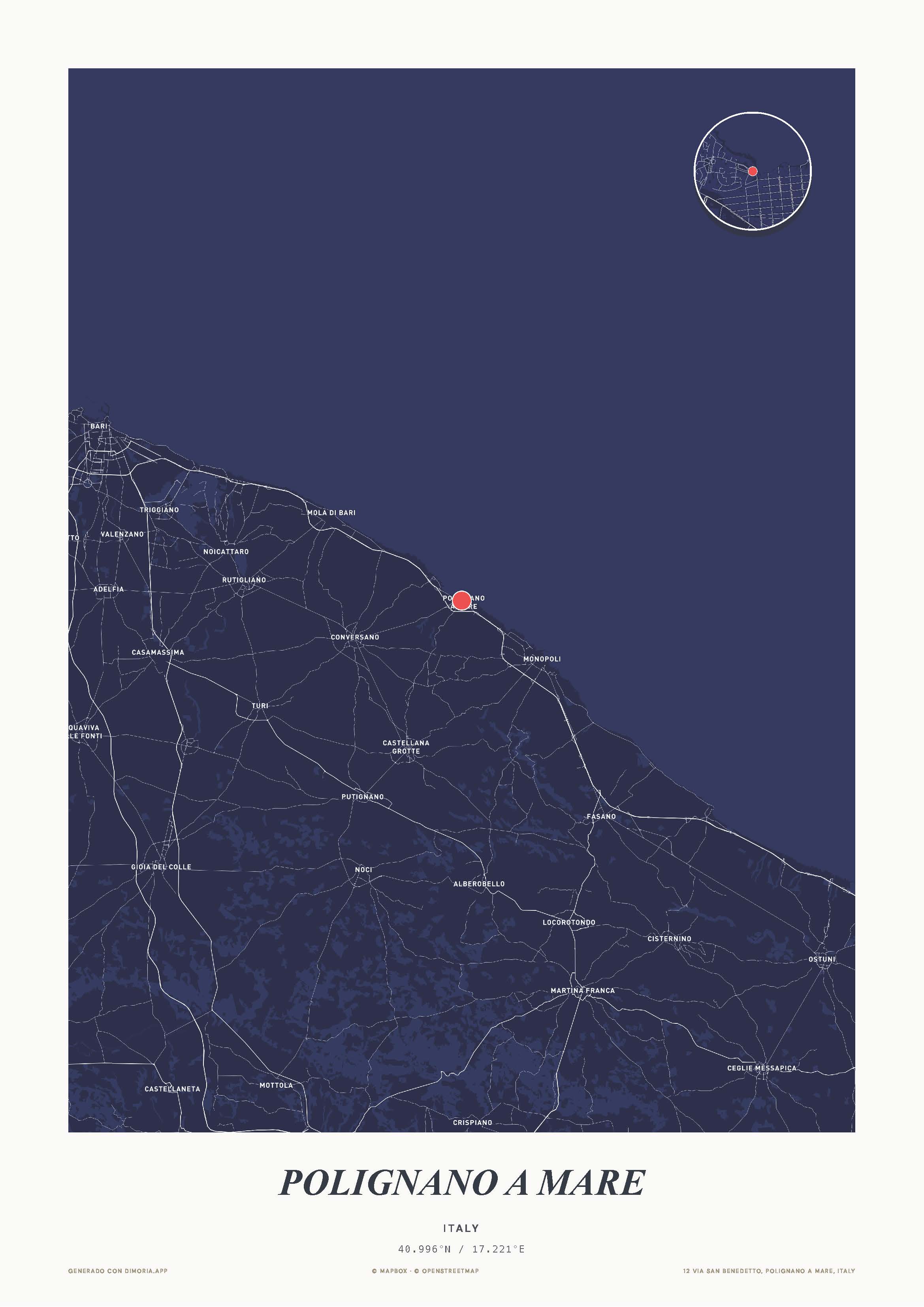
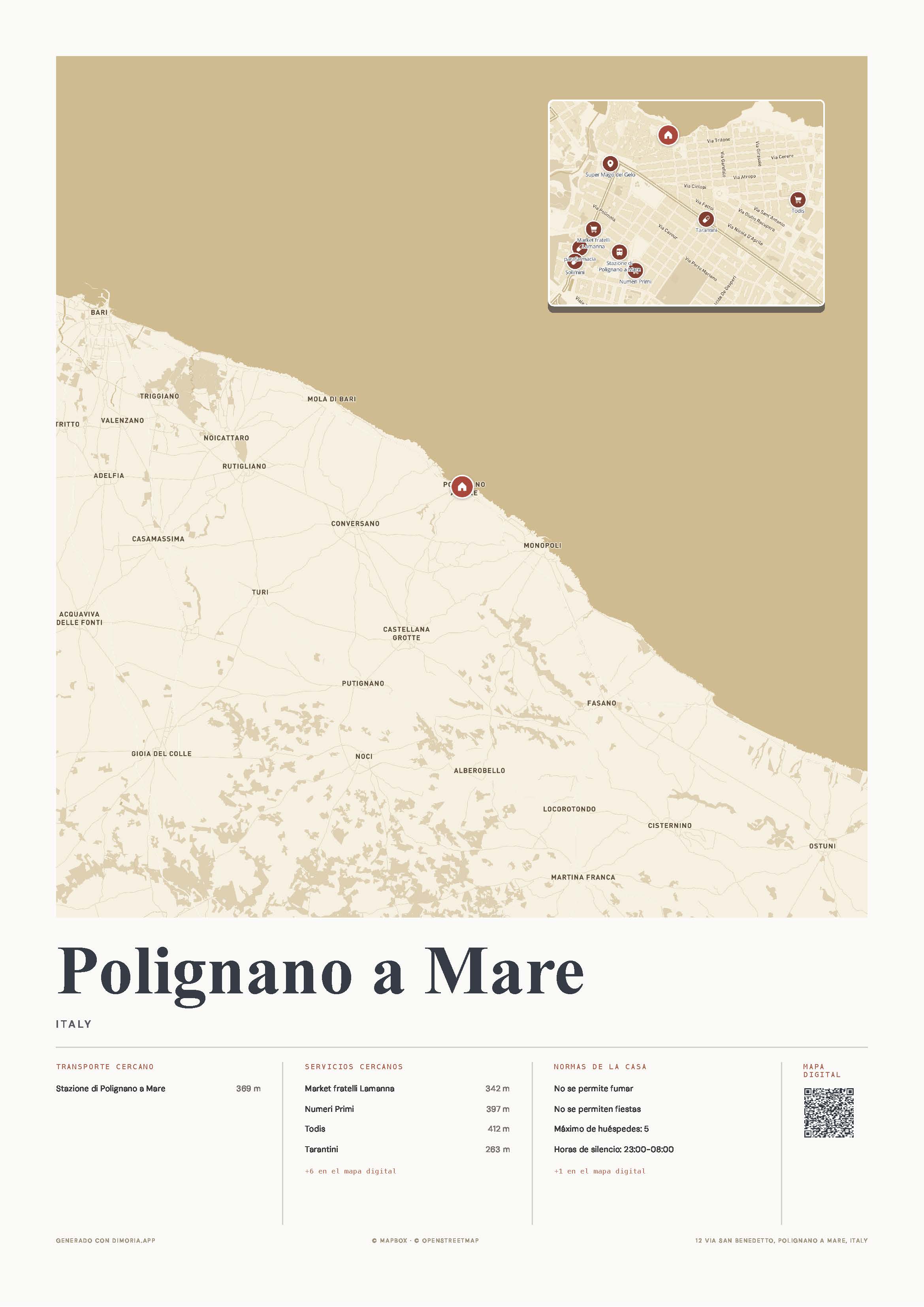
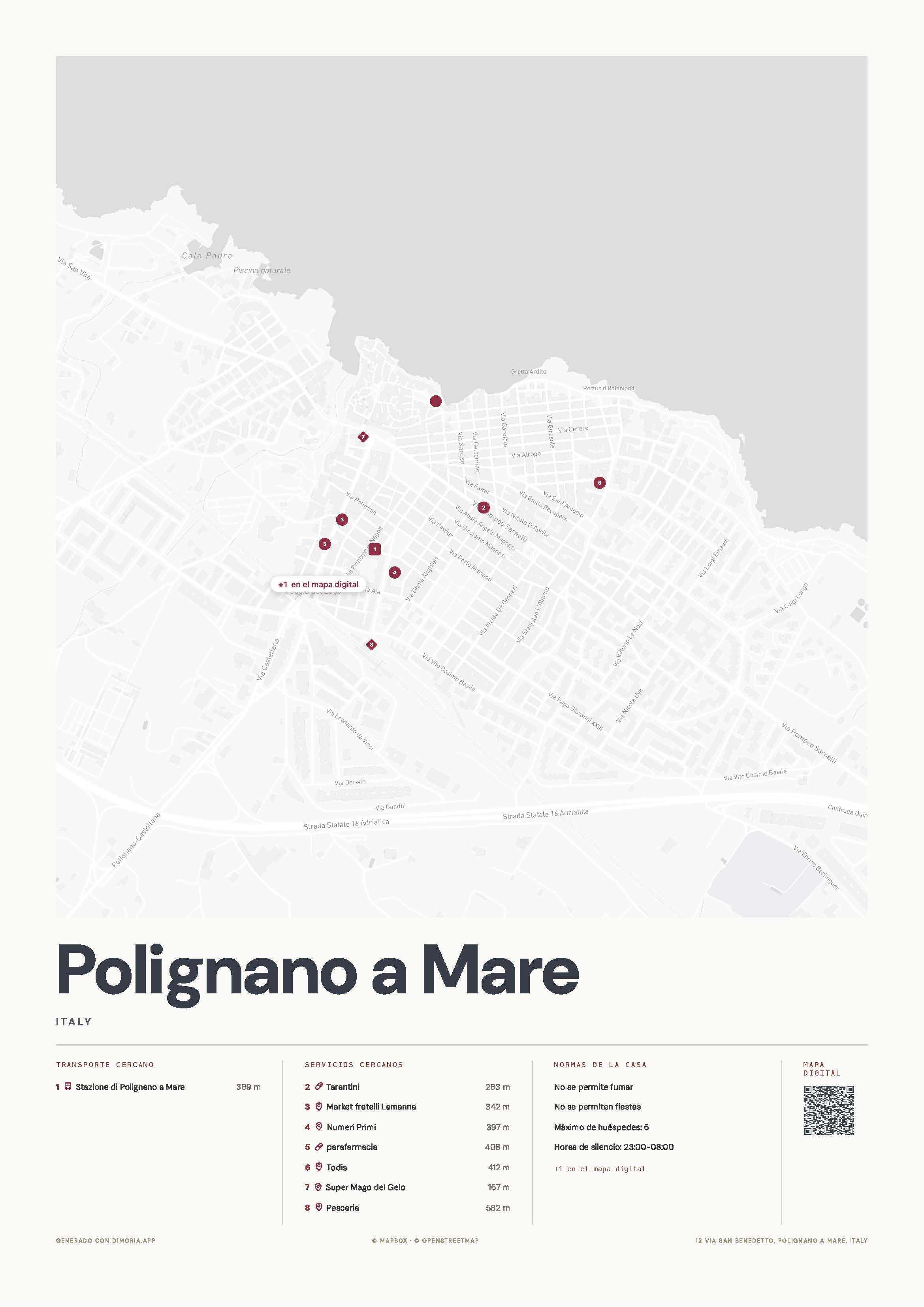
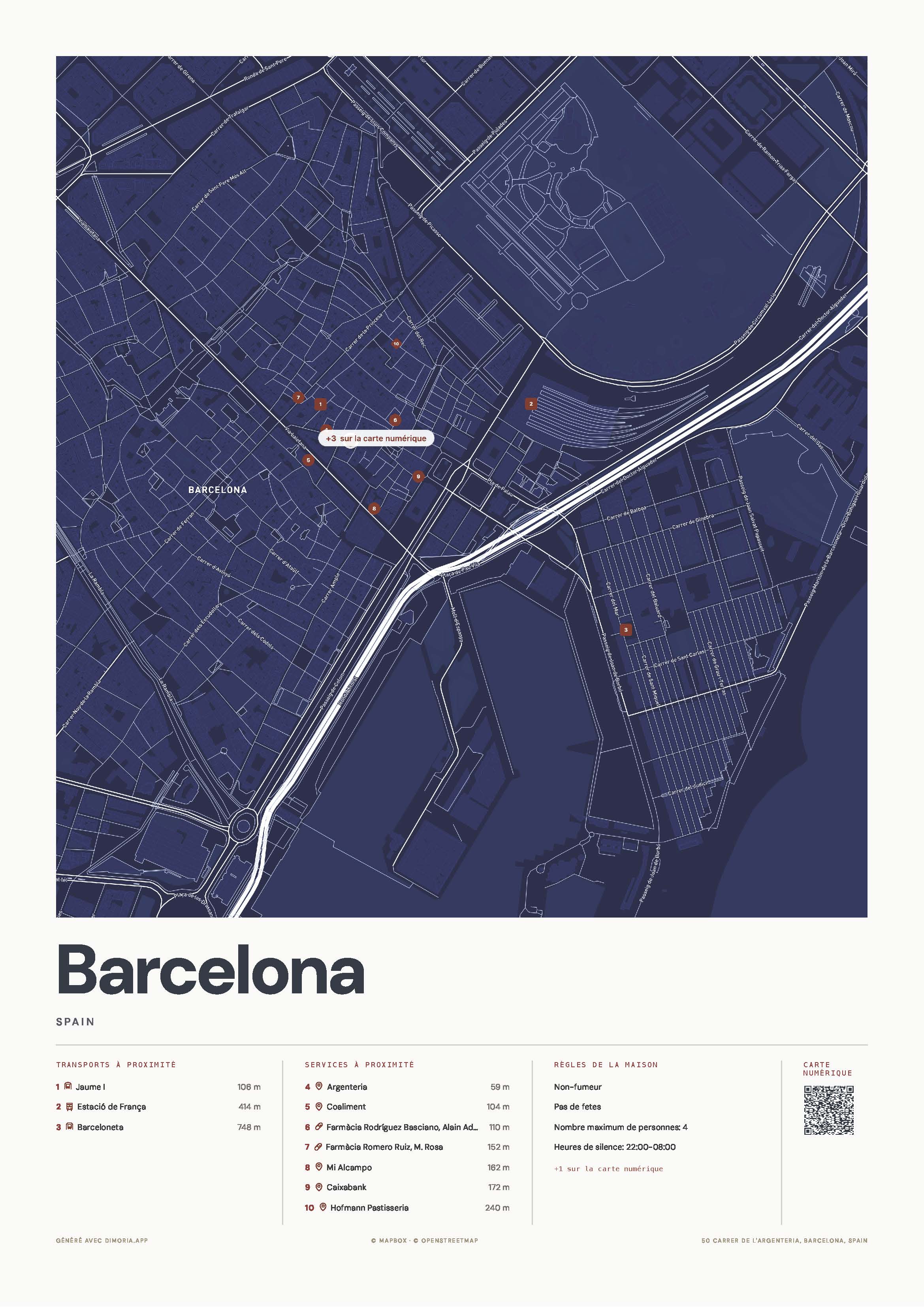
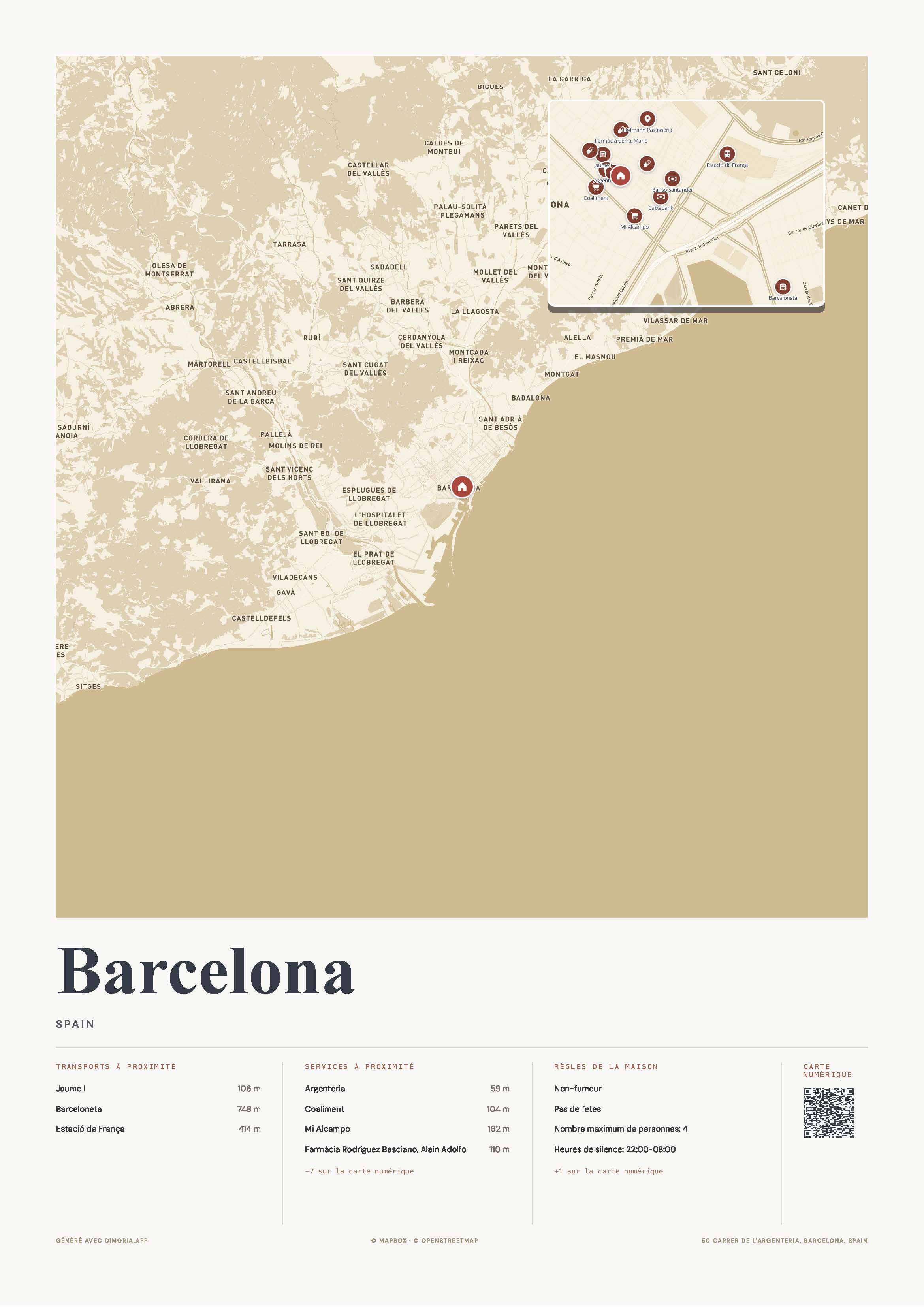
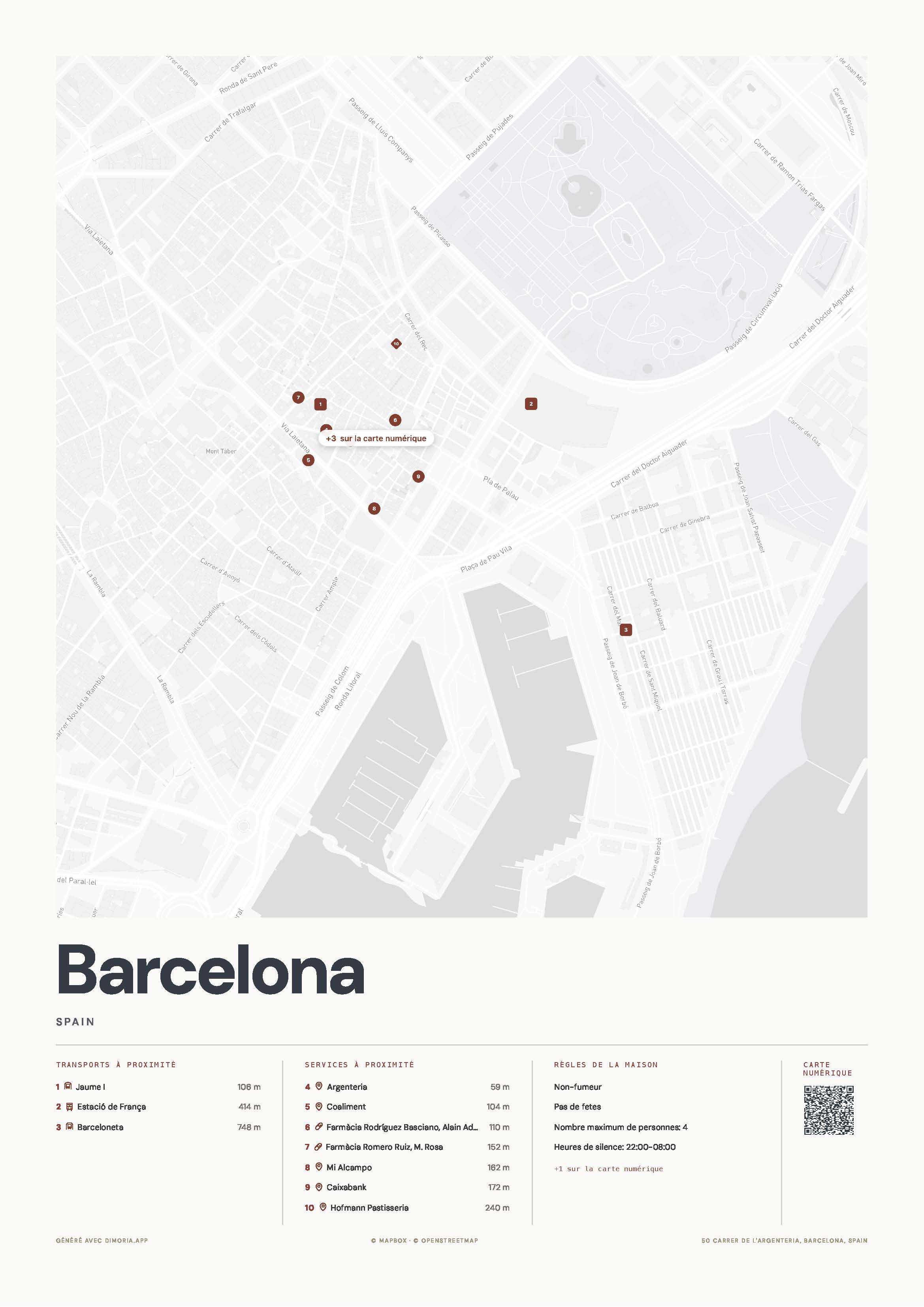
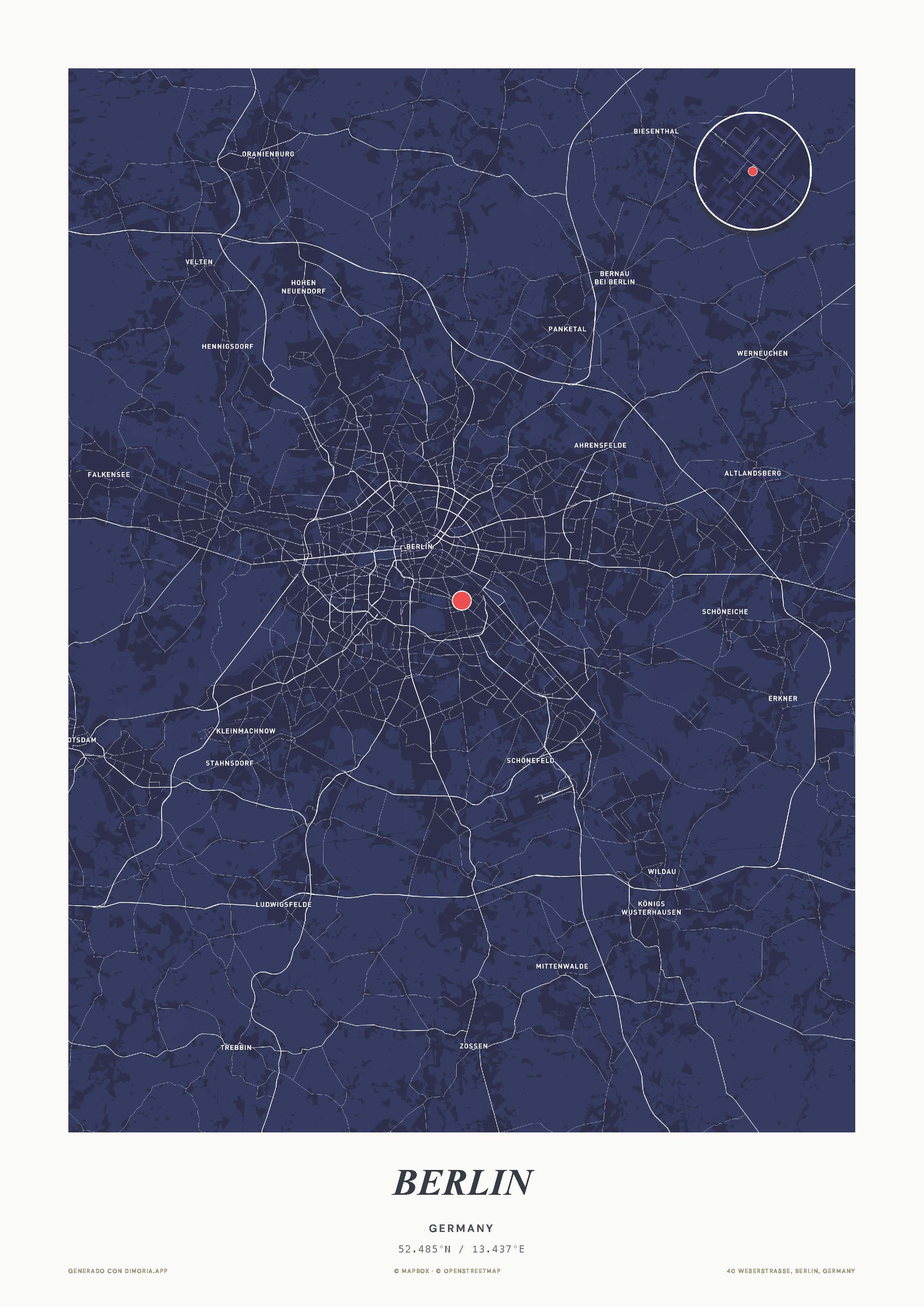
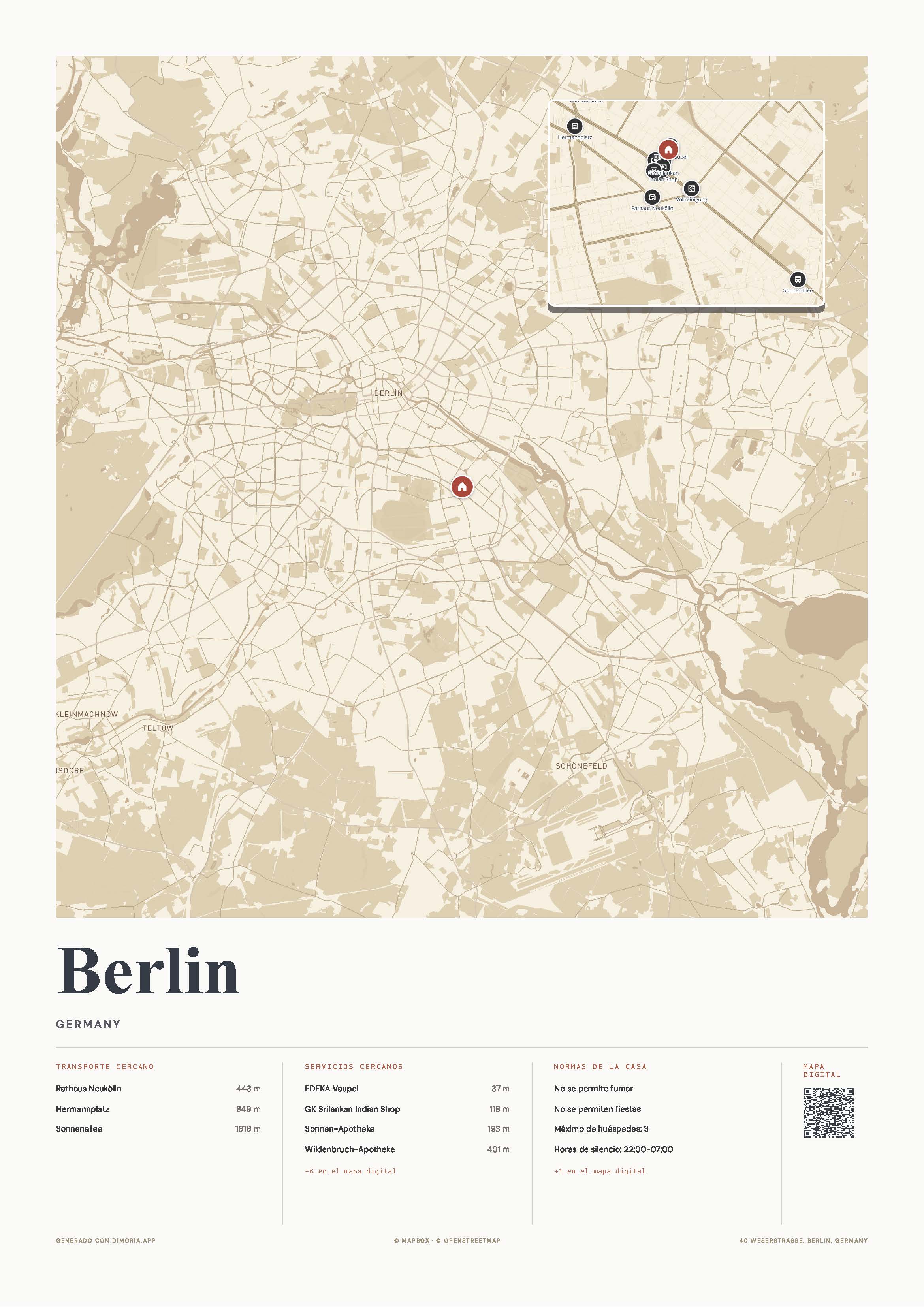
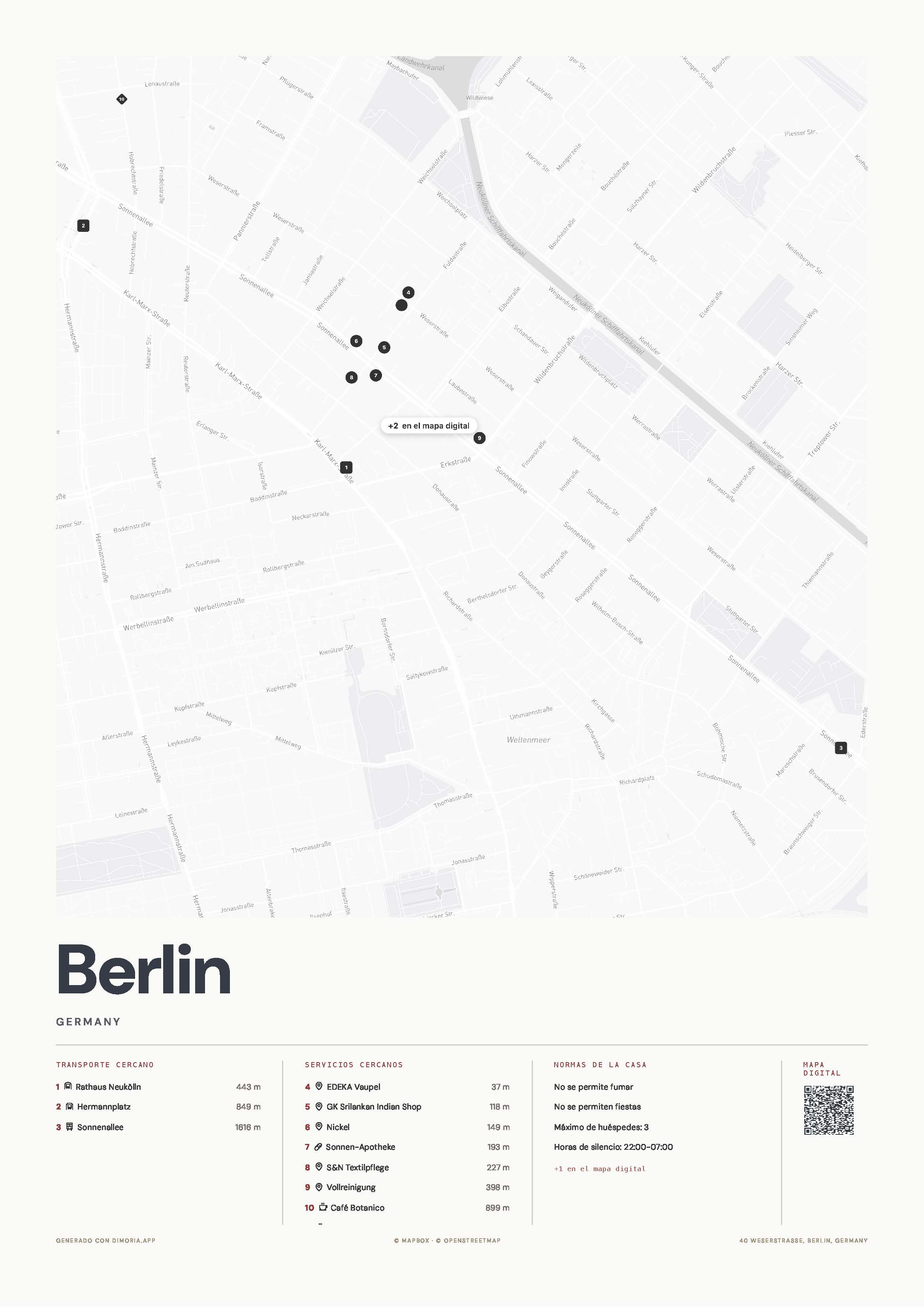
A plan with the property’s location, public transport and nearby services, with your design and your colours. Generated as a PDF: download it, share it or send it to print.

Printed posters

The same map turned into a physical print —various sizes, papers and frames— delivered to your home to hang at the property.

And, if you turn it on, an AI assistant that answers your guests’ questions around the clock using the content of your own guide.

02Key concepts

Key concepts

Property
Each place you manage is a “property”. Everything else —guide, map, posters— hangs off it. You start by creating one with its address.
The “house know-how”
A questionnaire of 43 sections in six blocks (arrival, home, rules, bins, check-out and safety), plus your recommendations and FAQs. The more you complete, the more useful the guide.
The content assistant
The AI help for you: from the editor it asks you about the important things and fills in the sections for you. You recognise it by the sparkle icon (✦).
The map
Generated from the address. It includes a city view and a neighbourhood detail, nearby transport and services, and a QR that leads to your guide. You choose template, colour and style.
The access PIN
Some information is sensitive (how to get into the building, where the lockbox is…). You set a PIN and only those who have it see that data and can use the chat.
03First steps

First steps

  1. ICreate your account and log in.
  2. IICreate your first property with the property’s address.
  3. IIIComplete the “house know-how”, with the help of the content assistant.
  4. IVGenerate your map and choose its design.
  5. VShare the guide with your guests by link or QR.
See the step-by-step guides →
04How help is organised
05Real examples

See it in practice

Three demo properties with their map, web guide and live assistant. Tap to see them as a guest would.